
 TekCreative
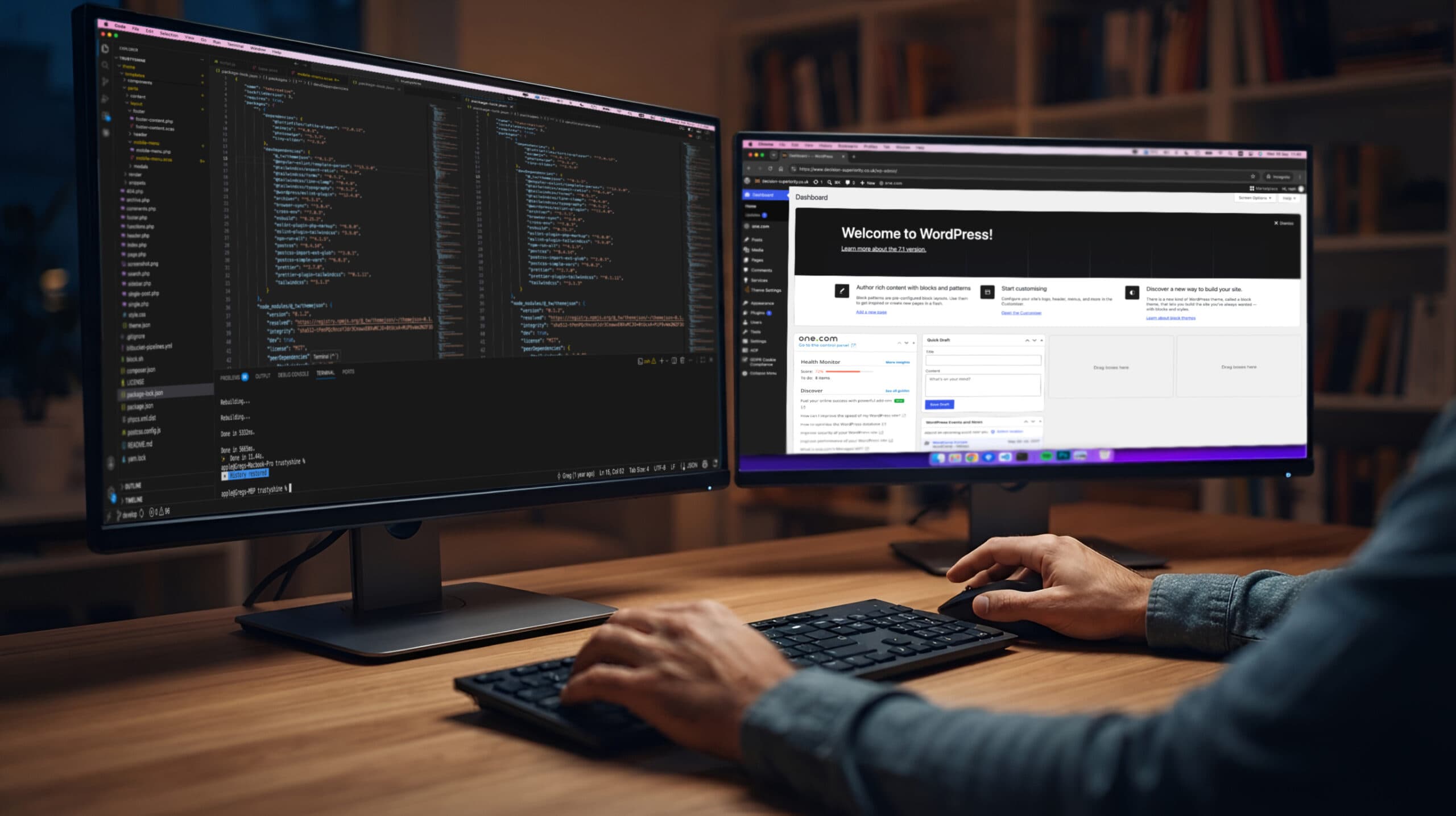
Headless CMS: A Game-Changer for Modern Websites
A content management system (CMS) lets a team update a website without changing the code for every edit. A headless CMS separates that content management from the public website. This article explains what that means, when it is a good fit, and when a traditional CMS is enough.
CMS and Headless CMS Web Development
What is a CMS?
A content management system (CMS) is a web application that lets editors update website content, create pages and posts, and replace media without needing to write code for each change. Most CMS platforms provide an editor interface that people without a web development background can use.
CMS platforms come in various flavours, including WordPress, Drupal, Joomla, OpenCart, Squarespace, HubSpot, Ghost and Umbraco, each with different levels of customisation and ease of use. The shared aim is to let editors manage the website content themselves.
What a Headless CMS Is, and Where It Helps
A common requirement is to keep a familiar CMS, such as WordPress, for editors, while building the public website in a separate front-end technology such as React, Vue or Angular. The usual way to do this is to use APIs to separate content management from content presentation. That arrangement is called a headless CMS.
A headless CMS decouples the presentation layer, where content is displayed, from the backend, where content is managed. In practical terms, editors can keep using a CMS they know, while the public website is built in a different front-end technology.
Key advantages of a headless CMS
- Multi-channel support and content reuse: Content can be delivered to various platforms and devices, including websites, mobile apps and IoT devices. That makes it easier to keep content consistent across channels.
- Front-end freedom: Developers can choose the technology or framework for the front end, without being limited to the CMS's built-in templates. That is useful when the design or performance requirements do not fit a traditional theme.
- Improved performance: A headless setup can reduce the front-end weight that often comes with a traditional CMS theme and plugin stack. The front-end code can be optimised for performance, including image handling, separately from the CMS.
- Security separation: With the front end and back end separated, a vulnerability in the public site does not automatically expose the CMS. Both parts still need to be secured properly.
When a Headless CMS Is a Good Fit
A headless CMS is not the right choice for every website. It adds a separate front end, which means a more complex build and two systems to maintain. It tends to suit projects that need strong front-end performance, a highly custom interface, or the same content published to more than one channel. A traditional WordPress or other coupled CMS is often enough when editors need a simple theme-based site and the performance and integration requirements are modest.
Where a headless approach does fit, we often use WordPress as the CMS, with GraphQL and Next.js for the front end. We also consider alternatives such as Ghost or Drupal when they match the project better. WordPress is the CMS we use most often in this setup.
Used carefully, Next.js with WordPress or another CMS can support:
- Performance: the front end can be built and cached in a way that helps load times and Core Web Vitals.
- Code splitting and lazy loading: only the code and media needed for a view have to load at first.
- A clear split of work: editors keep a familiar CMS, while developers work on a separate front-end codebase.
- Technical SEO: a well-built front end can be rendered in a way search engines can crawl, with control over metadata, structured data and URL structure.
These are possibilities, not guaranteed scores or rankings. The result depends on the content, hosting, design and how the site is built and maintained.
Conclusion
A headless CMS can give a business more flexibility over how content is displayed, and it can help with performance and with using the same content in more than one place. It also adds complexity, and it is not a substitute for a proper look at requirements. If you are considering a headless build, or you already have one that is hard to maintain, we can assess the current setup and explain which approach fits the project.
featured posts
You might also like...
WHY US
Why choose TekCreative?
We're technical specialists who work across development, rebuilds and migrations, performance optimisation and ongoing support. We look at the code, database, integrations and infrastructure behind a platform, not just the visible frontend.
We don't recommend a technology simply because it is newer, and we don't build custom software when an existing platform is sufficient. We assess the requirements, explain the options and choose an approach that fits the project.
Our work is based on measurable technical information wherever possible. We use profiling, testing and performance data to understand what is happening, then use that information to guide the work.
We use technical measurements where they are relevant to the project, including performance data, Core Web Vitals, server response times, database performance and other project-specific indicators.
We work directly on the platforms we develop and support, with the technical decisions and implementation handled by our development team rather than passed through multiple layers.
Launch is not necessarily the end of the technical work. We can continue with monitoring, maintenance, troubleshooting, performance improvements and further development as the platform evolves.

50+
Projects Delivered
5+
Years of Expertise

CONTACT US
Get in touch
Have a platform that needs improving, a new system to build, a migration to plan or technical problems that need investigating? Tell us what you're working with, and we'll give you a clear view of the possible approach.
Give us a call and get an answer in seconds
Speak directly with our team about your platform, what you're trying to improve and the technical challenges you're facing. We'll give you an honest view of what would be involved and where we can help.
Fill the contact form and we will contact you
Tell us about your current platform, what isn't working properly, what you're trying to build or where you need technical support. We'll review the details and come back with a clear assessment and next steps.